
It’s 3AM, I’m feeding the baby. I check X. Someone published a cool skill that allows you to see the last 30 days of activity on a topic across the entire internet. I star the Github repo and get the baby settled.
It’s 3:30AM, I’m at my desk. I go to my starred repos, clone it with two copy pasted commands in terminal, and in less than 10 minutes, I have a full report on a topic of interest across X, HN, Reddit, and industry publications. I schedule a Slack message to my teammate and highlight a few lines for us to discuss our next campaign.
All this before 4AM.
This is just one example of the unlock Github can provide for your AI marketing workflows. Check out all these repos with amazing skills, agents, and workflows. Everything from ad review, competitive research, product launch, design, and more.
All yours for the low cost of free (and learning how Github works).
Github has a learning curve to be sure but it’s actually an anthill.
Here’s how you can unlock the world of open-source, AI-native marketing tools on Github.
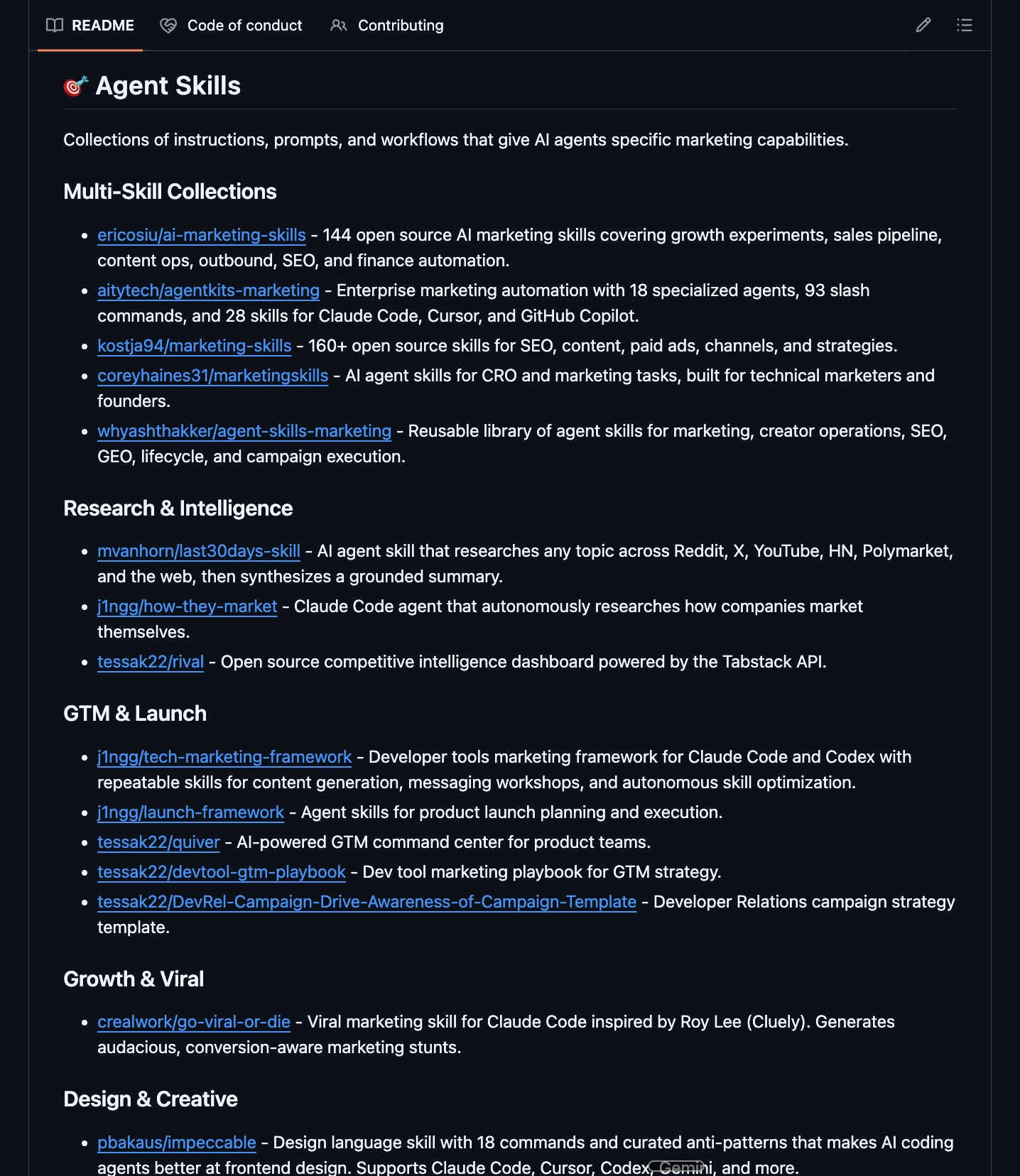
Table of contents
A quick note on what Github is#
Git helps you track changes to files over time. GitHub gives those files a home online, plus collaboration features around them.
So when people say “it’s on GitHub,” they usually mean:
The files live in a repository, or repo
The change history is tracked
You can copy it, adapt it, improve it, and share your version
You can see what changed, when, by who, and why
This is why GitHub matters so much for AI work.
A prompt is just text. A skill is text. An agent skill is text with some Python scripts thrown in (technically also text). A chained workflow is usually text. Context files are text. You get the point.
When you have these text files in Markdown, which is just a simple text file type, Github is a really nice way to hosting them, collaborating with others on them, and sharing them with yourself, your team, and/or the world.
But it boils down to this, once work becomes shareable text Git becomes useful. Once AI becomes part of your workflow, Git becomes unavoidable.
The 5 foundational Git concepts to know#
These are technically CLI commands but you don’t need to become a terminal person. When it comes to Github, anything you can do in CLI, you can do via browser, desktop app, or directly through an agent like Claude Code or Codex.
In other words, you don’t need to be a command-line wizard; just grasp the concept, and the tools handle the rest.
Clone. Clone means to make a local copy of a repo on your machine.
Command:
git clone [url]Why it matters: A lot of skills, agents, and open-source tools are meant to be used locally. You are not just reading them in a browser. You are actually bringing them into your environment so you can run them, inspect them, and modify them.
Fork. Fork means to make your own copy of someone else’s repo on Github.
Command:
gh repo fork owner/repo --cloneWhy it matters: This is how you build on community work without touching the original. Let’s say someone built a great agent, but you want to customize it for your company, your product, or your workflow. Fork it and now it’s yours to experiment with. The original stays intact. Forking is one of the core social moves of open source. It lets you learn by adaptation instead of starting from zero.
Demo:
Commit. A commit is a saved snapshot of your changes.
Command:
git add .stages your changes,git commit -m “what you did”locks them in.Why it matters: You change a file, then save that state with a message explaining what changed. Think of it like quick-save in a video game, except with notes for your future self. You don’t have to rely on your memory, you get a timeline.
💡One very important security note: never commit sensitive or proprietary information. If you accidentally commit a credential, rotate it immediately. Commits are forever.
Push. Upload your local changes back to Github.
Command:
git push origin [branch-name]Why it matters: This makes your update visible in the repo online. If you use Claude Code or Codex, this part can feel delightfully plain-English. You can often just tell the agent to commit and push your changes.
Pull request (PR). This is how you propose changes before merging them into the main version of a repo.
Command:
gh pr create --title “Customize skill for my workflow” --body “Adds changes for my use case”Why it matters: Technically, if you are working alone on your own repo, a PR is optional. Practically, I still think it’s worth doing. PRs keep your main branch clean. They give you a chance to review before shipping. They create a lightweight dev log of what changed and why. For skills or prompts I’m still testing, that review step is incredibly useful.
💡 Note on public & private repo: decide whether a repo should be public or private when you create or fork it. Private repos can be shared with collaborators and made public later. Public repos are much more annoying to claw back into privacy.
That’s it. Everything else is gravy on top. Really nice but not potatoes. If you have any questions, leave a comment and I’ll respond as fast as I can!
Quick start: creating your first skill repo#
Here I’m showing you how to create your first repo from Github in your browser, which is the simplest place to start. Any LLM would be able to walk you through the steps too if you want written instructions.
Doing this for a skill or an editorial guideline or whatever you’ve got that you may want to share with your team or the public gives you a link that immediately unlocks Github collaboration, sync, and version control.
If you created a repo, share it here in the comments! I’d love to check it out and support.
Why this matters now for marketers#
Without Git, you are stuck in the Notion-and-Drive pit. You can save prompts. Share docs. Pass around files. But you are not really in the game.
You cannot see how people actually use your work. You cannot watch someone fork it, improve it, and send something better back upstream. You cannot build on top of other people’s systems without fragile copy-paste hacks.
You are outside the fastest feedback loops on the internet.
That matters for marketers because AI is turning marketing into a build discipline. More of the work now lives in prompts, workflows, agents, scripts, and reusable systems. Those things need versioning, iteration, collaboration, and reuse.
Git gives you history, rollback, branching, adaptation, and collaboration.
Git is the agentic information infrastructure layer. Not knowing it doesn’t make you non-technical. It actually makes you non-participatory.
Plus, the build / open source community is REALLY COOL. I’ve made friends with people on X because we build and iterate on each other’s shit. It’s the best of the internet imo; building in public, sharing useful things, riffing.
Underleveraged Github features for marketers#
Github offers a marketing surface that is severely under tapped because marketers don’t know about it. This is especially important if you market technical products.
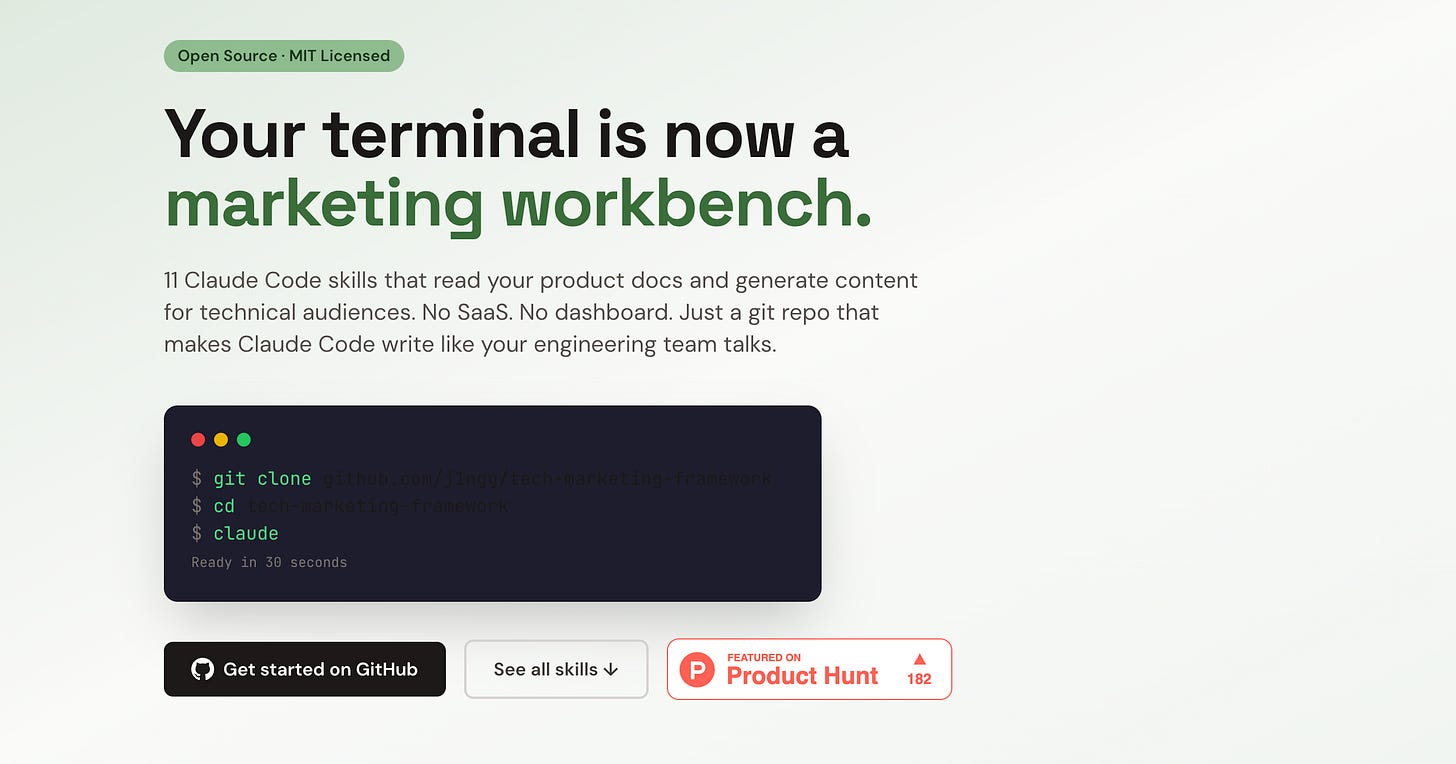
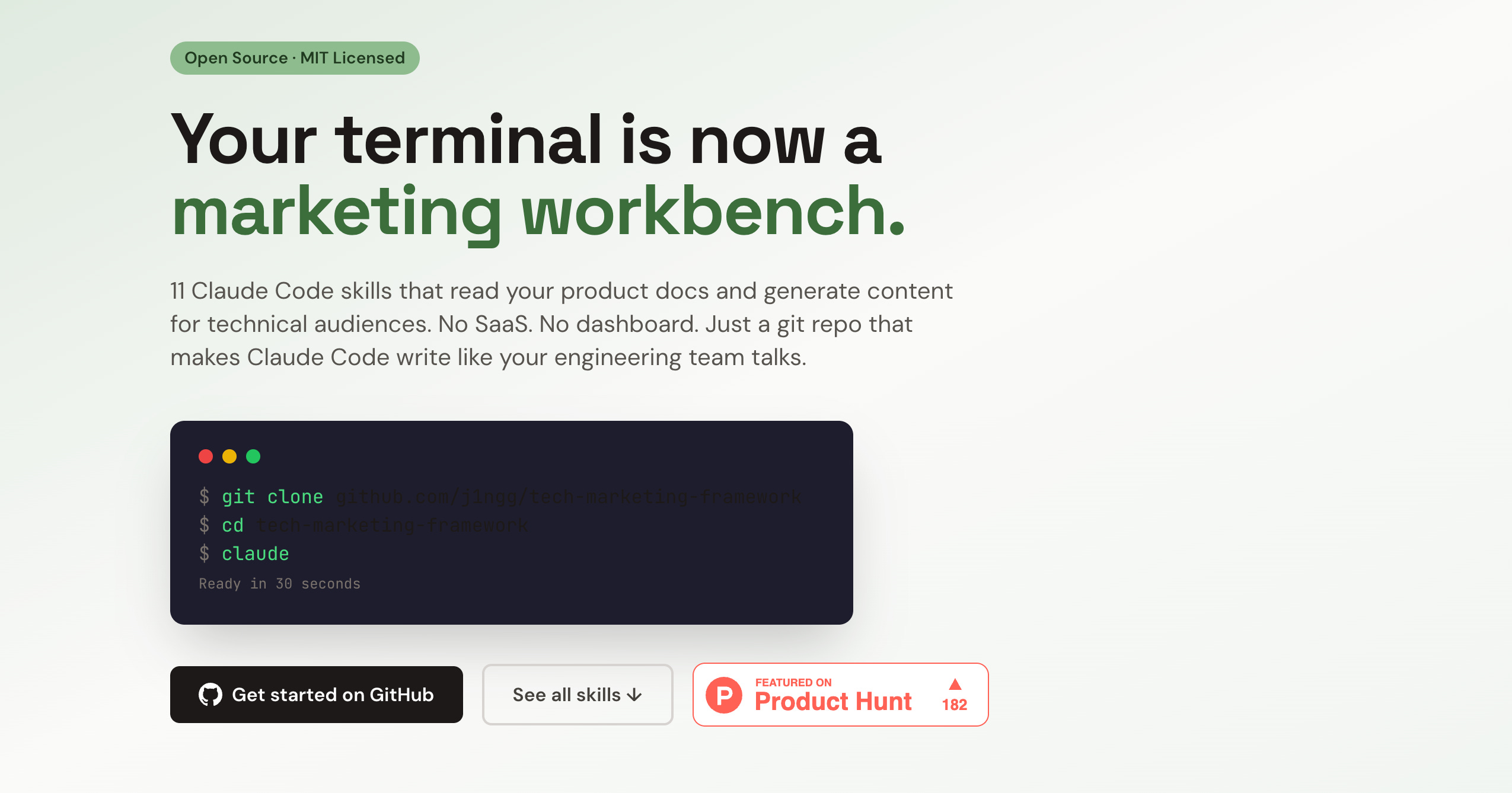
Pages hosts static sites. Pages gives your repo a nice landing page which is a simple, lightweight, and free option for promoting specific repos. This is an example of one I made. I launched with this on Product Hunt which compressed my time to launch and worked surprisingly well! https://j1ngg.github.io/tech-marketing-framework/
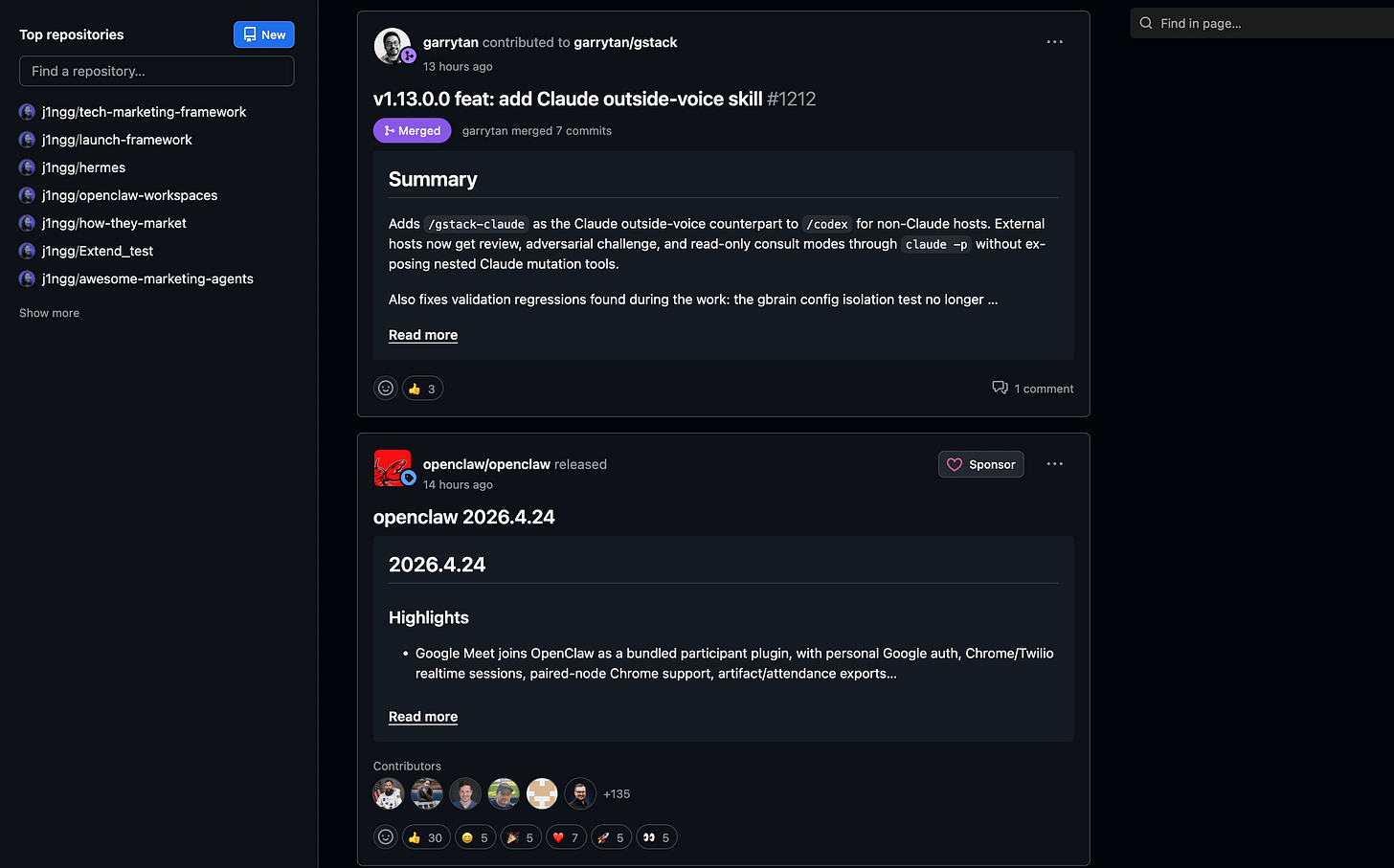
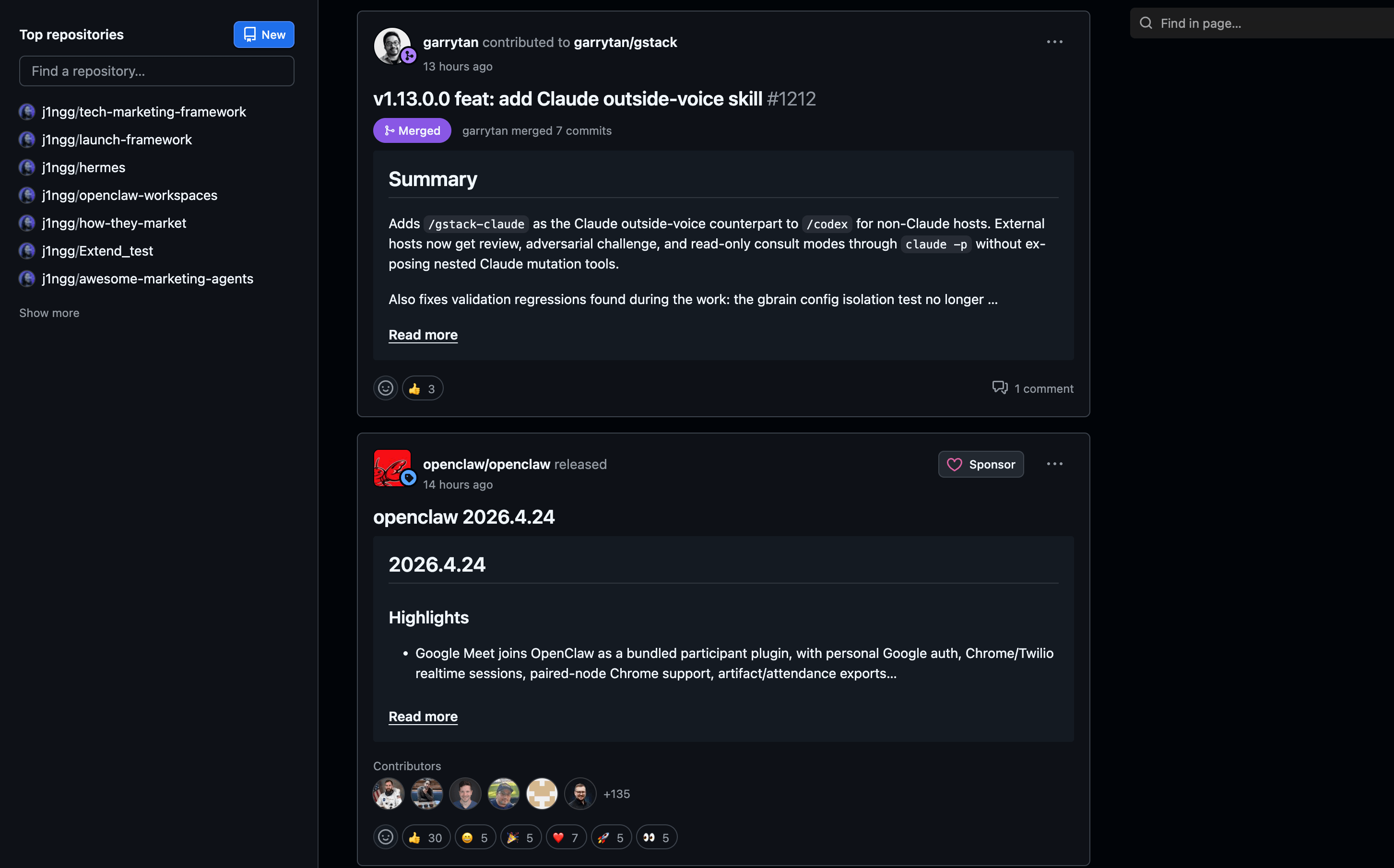
Release notes. Ever feel like release notes can’t keep up with your engineering releases and/or don’t get the volume of eyeballs you’d hope for? Github offers release notes that is auto-generated from your repo. This gets pushed into the Github feed of everyone who starred or forked your repo aka the people who care — they can add emoji reacts too, it’s a nice way to engage with the community.
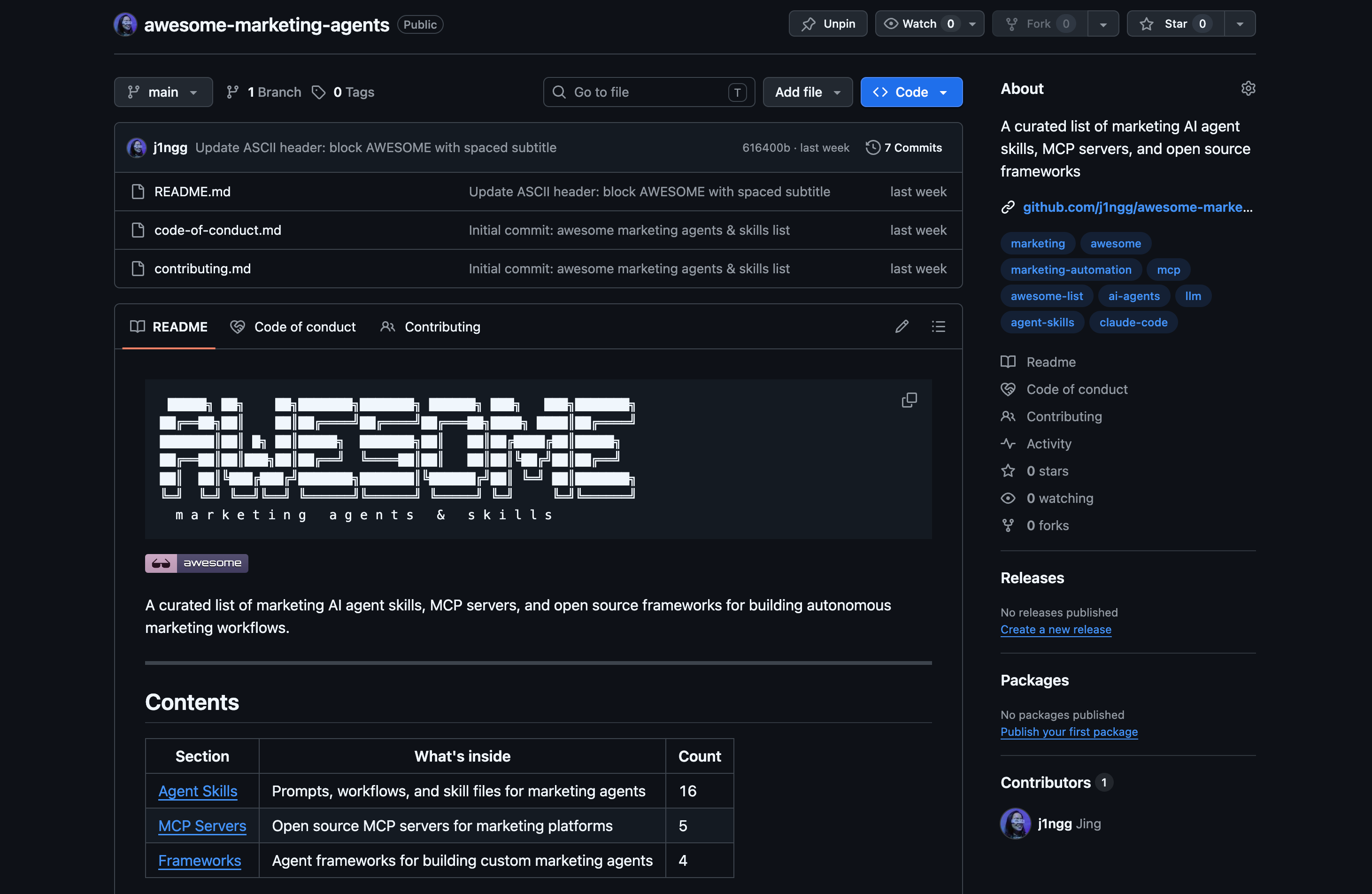
Awesome lists are discovery engines. The
awesome-*repos are curated goldmines. This is the granddaddy of Awesome Lists. But there are purpose-built lists too. Here’s my awesome list just for AI marketing skills, agents, and tools. Want AI marketing tools? There’s a list. Want Claude Code skills? There’s a list. In addition to being a nice way to discover cool products, being listed in an awesome list is distribution and gets you a nice high domain authority backlink.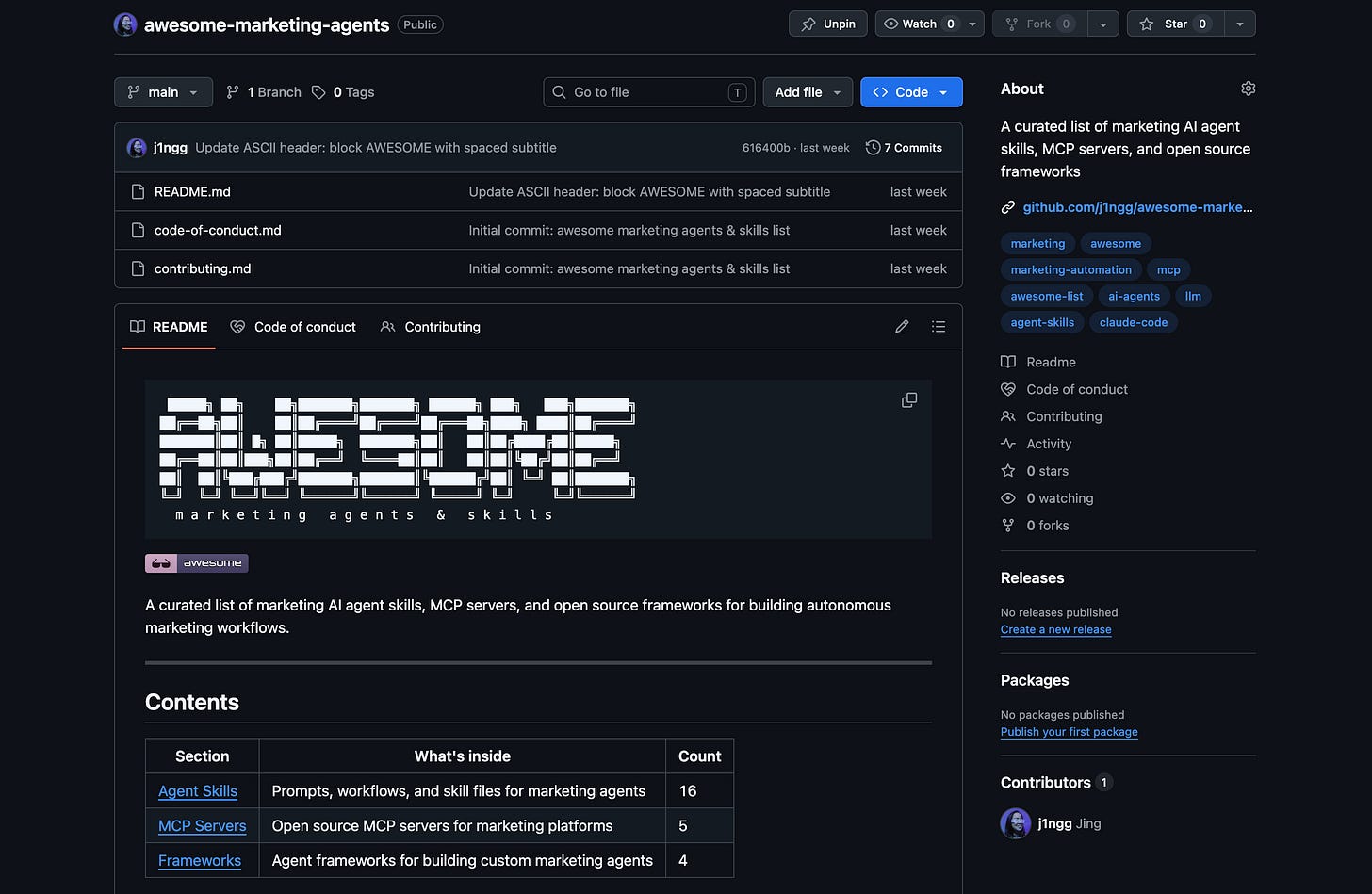
What participation unlocks#
I built my first repo recently because Claude Code made me. I stayed because it CLICKED.
The way skills spread. The way changes are tracked. The way you can build on someone else’s work without asking permission. The way AI workflows become real systems instead of isolated outputs.
If you are still treating GitHub like Dropbox or not using it at all, you are missing the point. And honestly, you are missing the party.
Your move: clone or create one repo this week. Just one. A skill you made or someone shared. A prompt library. A tiny tool. The research skills are a great place to start: https://github.com/j1ngg/awesome-marketing-agents#research--intelligence
Get it onto your machine. Open the files. Look around.
That’s the entry fee. And it’s free. Have fun!