I’ve been talking about AI so much at work that people are asking me for advice (I became “that guy” in my enthusiasm oops).
The number one ask I get is, “I want to use AI but the responses I get still really suck. How do I make it better?.” Of course, the problem behind the ask is “if I have to rewrite or heavily edit AI’s output then it’s actually adding to my workload, not decreasing it”.
Fair. Let’s get into it. Here are my best, most reliable tips for prompting. Plus, some use cases with real prompts you can copy paste wholesale.
*I assume you’re using ChatGPT here but everything is generalizable to other LLMs (Claude, Gemini, etc). I recommend ChatGPT 4o model.
TLDR:#
Use AI more effectively with three core techniques:
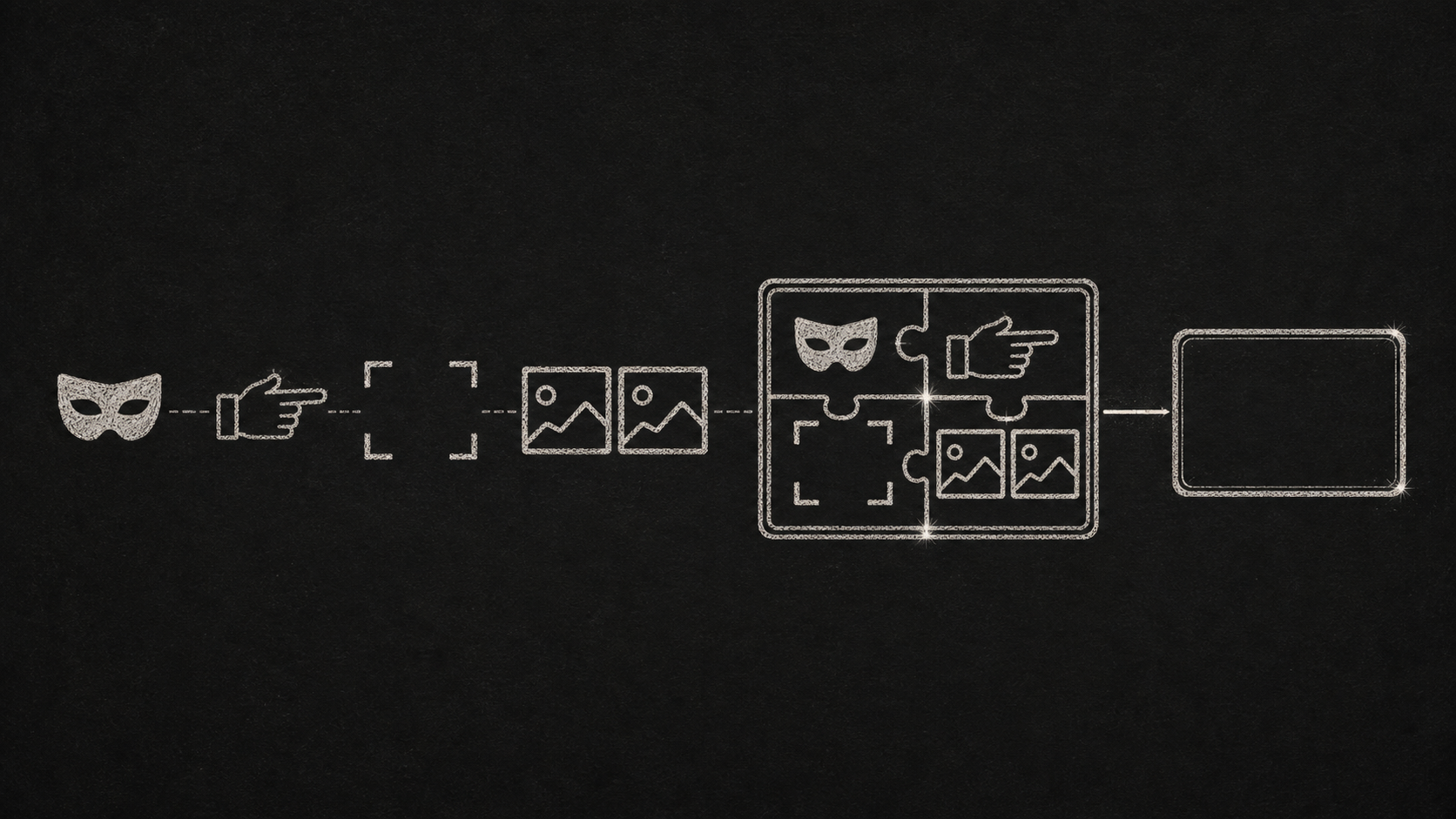
RICE helps you write better prompts by defining Role, Instructions, Context, and Examples.
Prompt chaining stacks responses to refine quality and tailor outputs to your preferences.
Projects save your best prompts, tone, and context so you can reuse them without starting from scratch.
This post breaks down each method with real GTM use cases and examples you can use.
Next post will be the full swipe file categorized by role. I’ll build it on livestream tonight (May 11, 8pm ET) so follow along! https://www.twitch.tv/jingntonic
Prompt engineering best practices#
Basic prompt structure: RICE#
The first issue with quality is that it’s generic, dry, or “sound too AI”. This is a problem in sales and marketing because our buyers respond terribly to generic, dry, and AI-sounding messages.
To prime your AI to provide the best response in the shortest amount of time, I came up with a simple acronym for components to include in your prompt: RICE.
(R) Role: Tell AI who it’s supposed to be#
→ You’re an experienced account executive working in cybersecurity for over a decade
→ You’re an expert product marketer who specializes in creating compelling campaigns that convert leads
(I) Instructions: Tell it what to do + what to avoid#
→ Write a reengagement email for closed/lost accounts. Highlight new features, skip the technical details. Optimize the subject line for opens and the body for replies.
→ Write a social media post promoting a webinar. Focus on what’s in it for the audience. The first sentence needs to instantly hook the reader. Must have a clear call-to-action optimized for driving signups. Do not overuse emojis or dashes.
(C) Context: Feed it details it can’t guess on its own. #
The key to avoiding generic responses is specificity. Here are some context that I consider to be critical:
→ Target audience: describe who the recipient of your message is. What’s their industry and title? Going further, you can mention traits like they’re busy or they’re highly technical.
→ Description of the product/feature/event/webinar/etc: if you’re specifically writing to share information about something, you should tell your AI what the thing is.
(E) Example: Show what good looks like#
This is optional but it helps. How would AI know what good looks like otherwise? Some useful types of examples:
→ Tone: Here are some emails I wrote. Replicate the tone, length, and style.
→ Previous reference: Here’s a reference blog. Replicate the structure, length, technical depth, and style.
→ Best practice reference: Here’s a best practice sheet (for cold outreach, RFPs, marketing promo emails, etc). Follow the guidelines on there.
Copy-paste prompt#
You’re a [role] tasked with [instruction] for [context: audience], based on [context: details]. Match the tone of [example].
Intermediate: prompt chaining#
The RICE format is great for direct ask <> answer interactions. One level deeper is prompt chaining.
There’s much technical documentation from OpenAI and Google on this topic but both are many layers removed from GTM use cases.
For sales and marketing, the thing that works best for me is: summarize best practices for a task, then layering a RICE prompt.
Prompt chaining example#
General best practices:
What are best practices for writing compelling emails that people can’t help but click? → [Some response]
You’re a [role] tasked with [instruction] that mentions [context]. Using these best practices above [example], give me [instructed output].
User-specific knowledge:
Knowing what you know about me, what would I expect to see from a high-quality case study write up? → [Some response]
Remove number 4 and add the following [my preferences] → [Some response]
You’re a [role] tasked with [instruction] that targets this specific audience [context]. Using my expectations above [example], give me [instructed output].
Bonus: once AI provides the output you’re looking for, edit it for your exact specifications then feed it back to the AI
Here’s my edited version. Based on the changes I made, what can you learn about my expectations and preferences? → [Some response]
Consolidate this into a general best practice guide for this type of request.
I have high expectations of quality but they are consistent across the same type of task/assets. So letting AI produce its own context and examples around quality expectations cuts a lot of typing time.
Advanced: Use projects for frequent tasks#
Projects are specialized workspaces for specific tasks. Some benefits:
Persistent context: Everything you upload (tone guides, examples, past prompts) stays put. Saves you from re-uploading the same case study or rewriting your briefing instructions every time.
Custom instructions: You can define tone, formatting, even priorities and it’ll apply that guidance to every prompt by default. Helps you skip repetitive prompt writing.
Focused memory: Projects don’t bleed into each other. That means your blog-writing voice and your RFP tone won’t mix. Each one stays clean and task-specific.
The single downside about projects:
ChatGPT cannot access files across projects so you have to think of it as an isolated workshop.
How I use projects:#
Blog: I have my content guideline, examples of past blogs, and custom instructions uploaded. These assets are very specific because I’m very opinionated about what good writing looks like.
Emails: Keeps successful outbound copy and SDR outbound email frameworks at my fingertips. Again, I’m highly opinionated here.
Asset Reviews: ~30% of my week reviewing assets other people create. Now, good judgement based on accumulated market, product, and domain context is what the company pays me for so I rely on AI much less here. But I do have review rubrics loaded in for consistency.
Join me live: build the swipe file#
Next post will provide copy & paste prompts for SDRs, account execs, and marketers.
But I practice what I preach and I want to show you how the recommendations above actually come together in real-life.
So I’ll livestream the creation of the swipe file on Sunday, May 11th at 8PM where you can see:
The RICE framework in action
Live prompt edits and debugging
Final swipe file outputs you can copy paste wholesale